


Introduction: The Quest for Infinite Detail
The landscape of 3D web graphics is undergoing a seismic shift. For years, developers following **Three.js News** have operated under strict polygon budgets. The traditional workflow involves carefully decimating models, baking normal maps, and manually creating discrete Level of Detail (LOD) meshes to ensure high frame rates. However, inspired by advanced engine technologies like Unreal Engine’s Nanite, the WebGL and WebGPU communities are now exploring **virtualized geometry**.
This paradigm shift moves the heavy lifting from the CPU to the GPU. Instead of rendering entire objects, the engine renders clusters of triangles (meshlets) based on their screen-space size. This allows for essentially “infinite” geometric detail where millions of polygons can be rendered without the typical draw-call overhead that cripples JavaScript performance.
In this comprehensive guide, we will explore the technical architecture required to implement GPU-driven geometric clustering in Three.js. We will discuss how this impacts the broader ecosystem—from **React News** regarding React Three Fiber integrations to **Vite News** regarding asset pipeline optimization—and provide practical code to get you started with next-generation rendering techniques.
Section 1: Core Concepts of GPU-Driven Geometry
To understand how to replicate Nanite-like functionality in Three.js, we must abandon the concept of the standard `THREE.Mesh` for complex scenes. The core concept relies on **Meshlets** (or Clusters).
What are Meshlets?
A meshlet is a small subset of a mesh, typically containing 64 to 128 triangles. By breaking a high-poly model into thousands of these tiny clusters, we gain granular control over visibility. Instead of the CPU deciding “Is this house visible?”, the GPU decides “Is this specific chunk of the roof visible?”
This approach requires a specific data structure:
1. **Vertex Buffer:** A massive buffer containing all vertices for the scene.
2. **Index Buffer:** A unified index buffer.
3. **Cluster Data:** Metadata describing the bounding box and cone (for orientation) of each meshlet.
The DAG (Directed Acyclic Graph)
For continuous LOD, these meshlets are organized into a hierarchy. When a cluster is far away, we render its parent (a simplified version). When it is close, we render the children. This traversal must happen on the GPU to be fast enough.
Here is a conceptual example of how one might structure the cluster data preparation in JavaScript before sending it to the GPU. This type of preprocessing is often handled in build scripts, relevant to **Node.js News** and **TypeScript News** enthusiasts who build asset pipelines.
import * as THREE from 'three';
import { mergeGeometries } from 'three/examples/jsm/utils/BufferGeometryUtils.js';

// Conceptual helper to partition geometry into meshlets
function generateMeshlets(geometry, maxVertices = 64, maxTriangles = 124) {
    const positions = geometry.attributes.position.array;
    const indices = geometry.index.array;

    const meshlets = [];

    // NOTE: In a real implementation, you would use a library like
    // meshoptimizer to perform efficient clustering.
    // This is a simplified representation of the data structure.

    let currentMeshlet = {
        vertices: [],
        indices: [],
        boundingSphere: new THREE.Sphere()
    };

    for (let i = 0; i < indices.length; i += 3) {
        // Logic to add triangles to currentMeshlet
        // If limits reached, push to meshlets array and start new

        // Calculate bounds for culling
        updateBounds(currentMeshlet);
    }

    return meshlets;
}

// The goal is to pack this data into DataTextures for the GPU
function createClusterTexture(meshlets) {
    const count = meshlets.length;
    const data = new Float32Array(count * 4); // x, y, z, radius

    meshlets.forEach((m, i) => {
        data[i * 4] = m.boundingSphere.center.x;
        data[i * 4 + 1] = m.boundingSphere.center.y;
        data[i * 4 + 2] = m.boundingSphere.center.z;
        data[i * 4 + 3] = m.boundingSphere.radius;
    });

    const texture = new THREE.DataTexture(
        data, count, 1, THREE.RGBAFormat, THREE.FloatType
    );
    texture.needsUpdate = true;
    return texture;
}
Section 2: Implementation Details – The GPU Pipeline
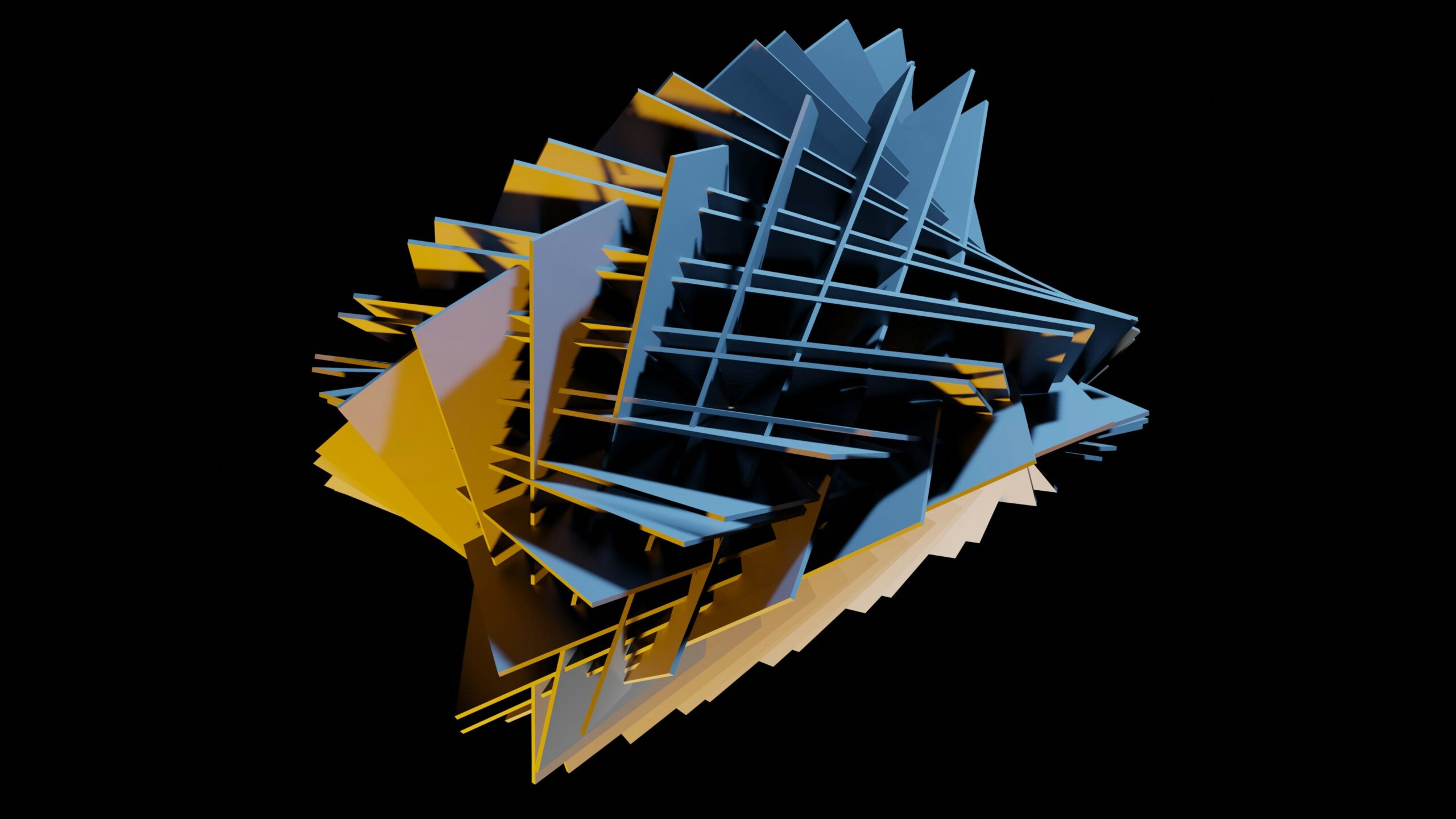
High polygon 3D model wireframe – abstract object with blue and orange light scattering on it.
Implementing virtualized geometry in Three.js requires bypassing the standard rendering loop for specific assets. We rely heavily on `THREE.InstancedMesh` logic or, more accurately, `gl.multiDrawElementsIndirect` (via extensions) or Compute Shaders in WebGPU. Since WebGL 2 is the current standard, we often simulate this using Data Textures and vertex fetching.
Encoding Geometry into Textures
To render millions of triangles efficiently, we cannot rely on standard attribute binding which has overhead. Instead, we store vertex positions, normals, and UVs in high-precision floating-point textures (`OES_texture_float`). The Vertex Shader then fetches the geometry data based on the `gl_VertexID`.
This technique is often discussed in **Babylon.js News** and **PixiJS News** as well, as it is engine-agnostic, but Three.js provides excellent wrappers for Data Textures.
Below is an example of a Vertex Shader setup that fetches position data from a texture, allowing for “soft” instancing of meshlets.
// vertex_shader.glsl
precision highp float;
precision highp int;

uniform sampler2D uPositionTexture; // Geometry data
uniform sampler2D uClusterData;     // Bounding boxes for culling
uniform float uTextureSize;         // Dimension of the data texture

flat out int vVisible;

// Helper to fetch data from texture acting as buffer
vec3 fetchPosition(int vertexIndex) {
    float col = mod(float(vertexIndex), uTextureSize);
    float row = floor(float(vertexIndex) / uTextureSize);
    vec2 uv = vec2(col, row) / uTextureSize;
    return texture2D(uPositionTexture, uv).rgb;
}

void main() {
    // Calculate which meshlet this vertex belongs to
    int meshletIndex = gl_VertexID / 64;

    // Fetch cluster bounds (simplified)
    // In a real scenario, you'd do occlusion culling here
    vec4 bounds = texture2D(uClusterData, vec2(0.0, float(meshletIndex))); // simplified UV

    // Frustum Culling Logic
    // If the cluster is outside the camera view, we can collapse the vertex
    // to prevent the rasterizer from processing pixels.
    bool isVisible = checkFrustum(bounds, viewMatrix, projectionMatrix);

    if (!isVisible) {
        gl_Position = vec4(0.0, 0.0, 0.0, 0.0); // Degenerate triangle
        vVisible = 0;
        return;
    }

    vec3 localPos = fetchPosition(gl_VertexID);
    vec4 worldPos = modelMatrix * vec4(localPos, 1.0);
    gl_Position = projectionMatrix * viewMatrix * worldPos;
    vVisible = 1;
}
The Error Metric
The key to Nanite-style rendering is the **Error Metric**. You must calculate the screen-space error of a cluster. If the error is less than 1 pixel, you render the cluster. If it is larger, you must split the cluster (if using a compute shader) or switch to a higher LOD.
In WebGL 2, this is often done via Transform Feedback or GPGPU techniques, calculating visibility on the GPU and writing the valid draw calls to an indirect buffer.
Section 3: Advanced Techniques and Ecosystem Integration
While the core rendering logic is pure WebGL/Three.js, the surrounding infrastructure relies on the modern JavaScript ecosystem. Whether you are tracking **Next.js News** for server-side rendering of initial 3D states, or **Electron News** for building native-like 3D apps, the pipeline matters.
Compute Shader Culling (WebGPU)
The future of this technique lies in WebGPU. With Compute Shaders, we can process the scene hierarchy (DAG) entirely on the GPU. We dispatch a compute job that checks the bounding box of every cluster against the camera frustum and the depth buffer (Hi-Z buffer) for occlusion.
If a cluster is visible, the compute shader appends its index to a buffer. This buffer is then used as an argument for `drawIndirect`.
Here is a WebGPU (WGSL) snippet demonstrating the culling logic. This is the cutting edge of **Three.js News**.
// shader.wgsl (WebGPU Compute Shader)

struct Cluster {
    center: vec3,
    radius: f32,
    lodError: f32,
    parentIndex: u32,
}

@group(0) @binding(0) var clusters: array;
@group(0) @binding(1) var drawCommands: array;
@group(0) @binding(2) var camera: CameraUniforms;

@compute @workgroup_size(64)
fn main(@builtin(global_invocation_id) global_id: vec3) {
    let index = global_id.x;
    if (index >= arrayLength(&clusters)) {
        return;
    }

    let cluster = clusters[index];

    // 1. Frustum Culling
    if (!isSphereInFrustum(cluster.center, cluster.radius, camera.frustum)) {
        return;
    }

    // 2. LOD Selection (Screen Space Error)
    let dist = distance(cluster.center, camera.position);
    let screenError = cluster.lodError / dist * camera.screenHeight;

    // If error is acceptable, add to draw list
    if (screenError <= 1.0) {
        // Atomic add to increment draw count
        let drawIndex = atomicAdd(&drawCommands[0], 1u);
        drawCommands[drawIndex + 1u] = index;
    }
}
Integration with Frameworks
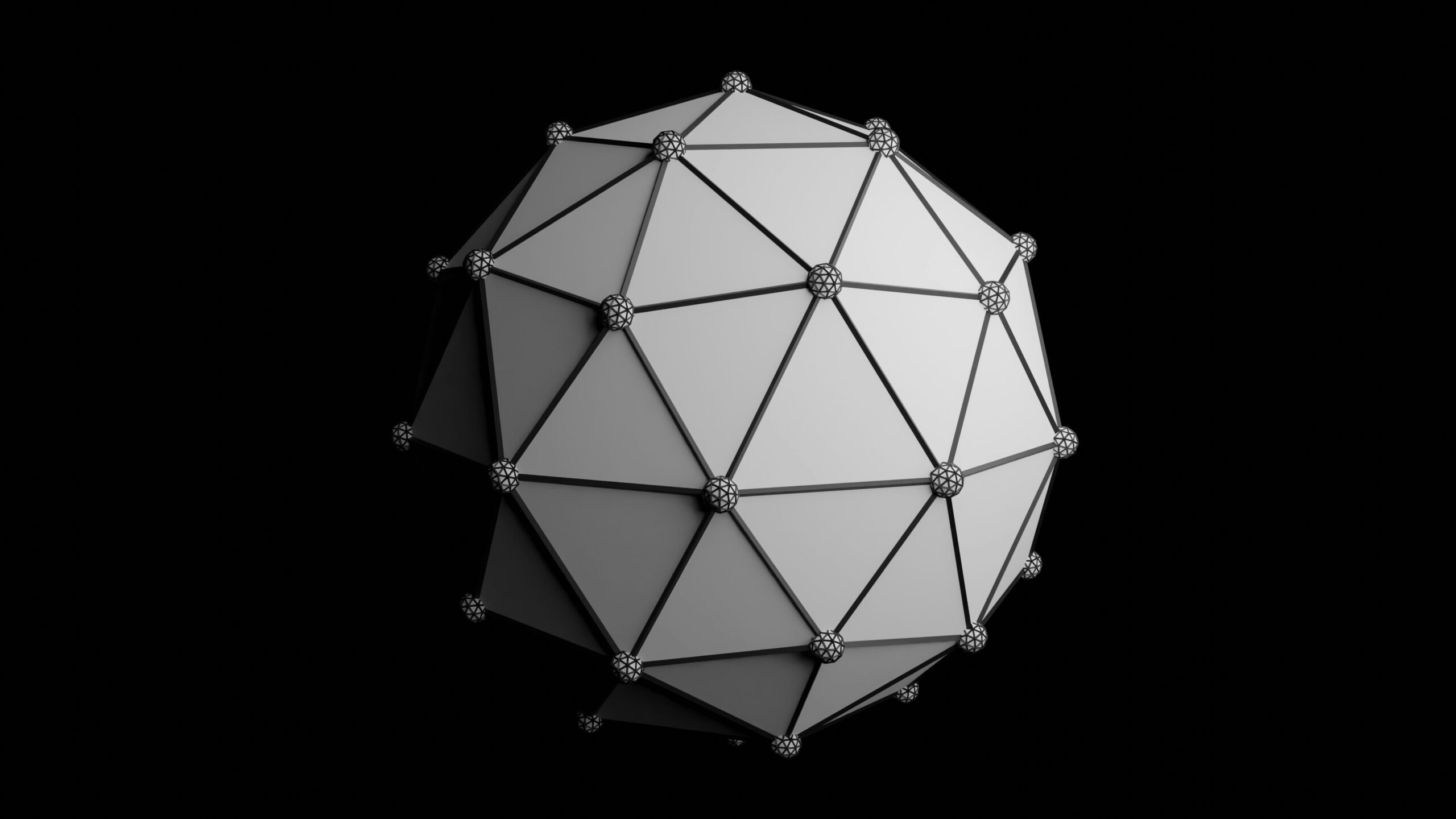
High polygon 3D model wireframe - Abstract Geometric Cube with Abstract Lightning.
Implementing this in a raw HTML file is rare. Most developers use frameworks.
* **React News**: The React ecosystem, specifically `react-three-fiber`, is ideal for managing the state of these complex scenes.
* **Vue.js News** & **Svelte News**: The component-based nature allows for encapsulating the "Nanite" mesh into a reusable `
When building these applications, tooling becomes critical. **Vite News** and **Turbopack News** are relevant here because loading massive binary data files (which store the meshlets) requires an efficient dev server that handles binary streams well. Furthermore, optimizing these assets often involves tools discussed in **Rust News** (like meshoptimizer-cli).
Section 4: Best Practices and Optimization
Implementing virtualized geometry is complex. Here are critical best practices to ensure your application remains performant and maintainable.
1. Asset Pipeline is King
You cannot load a standard `.obj` or `.glb` file at runtime and expect to cluster it instantly without lag. The clustering must happen offline.
* Use tools like `gltfpack` or custom scripts.
* Automate this with CI/CD pipelines (relevant to **Jenkins News** or **GitHub Actions** workflows).
* Compress data using Draco or Meshopt.
2. Memory Management
High polygon 3D model wireframe - 3d render
Virtualized geometry uses a lot of VRAM. While you save on draw calls, you consume memory for the expanded vertex data and cluster metadata.
* Monitor memory usage.
* Stream data: Only load high-resolution cluster data when the camera approaches the object. This is similar to how **Unreal Engine** handles streaming.
3. React Three Fiber Abstraction
If you are using React, abstract the complexity. Do not put WebGL calls inside your main component logic.
import React, { useRef, useMemo, useEffect } from 'react';
import { useFrame, useThree } from '@react-three/fiber';
import * as THREE from 'three';
import { VirtualGeometryLoader } from './VirtualGeometryLoader'; // Custom loader

const NaniteMesh = ({ url }) => {
  const meshRef = useRef();
  const { gl, camera } = useThree();

  // Load the pre-processed cluster data
  // In a real app, use useLoader or Suspense
  const geometryData = useMemo(() => new VirtualGeometryLoader().parse(url), [url]);

  useFrame(() => {
    if (!meshRef.current || !geometryData) return;

    // Update uniforms for culling based on current camera
    meshRef.current.material.uniforms.uCameraPosition.value.copy(camera.position);

    // If using Compute Shaders, dispatch compute here
    // gl.dispatchCompute(...)
  });

  return (


  );
};
4. Testing and Debugging
Debugging GPU-driven rendering is difficult because `console.log` doesn't exist in shaders.
* **Spector.js**: Essential for inspecting WebGL commands.
* **Cypress News** / **Playwright News**: Use visual regression testing to ensure your LODs aren't popping visibly.
* **Jest News** / **Vitest News**: Unit test your clustering algorithms (the JS/CPU side).
Conclusion
The arrival of Nanite-like techniques in the **Three.js** ecosystem marks a turning point for web graphics. We are moving away from simple model viewers toward immersive, high-fidelity worlds that rival native applications. While the implementation requires a deep understanding of graphics programming—touching on concepts from **WebGL 2** to **WebGPU**—the payoff is the ability to render virtually infinite geometry.
As tools like **Vite**, **TypeScript**, and frameworks like **React** and **Vue** continue to mature, the scaffolding required to build these complex 3D applications becomes more robust. We are seeing a convergence where **Node.js News** (for tooling), **Rust News** (for high-performance pre-processing), and **Three.js News** intersect to push the browser to its absolute limits.
For developers looking to stay ahead, the path forward involves mastering compute shaders, understanding memory architecture, and building efficient asset pipelines. The era of low-poly web 3D is ending; the era of virtualized geometry has begun.